
Before you start
Sign in to your host account and check the event name before making changes.
What to do
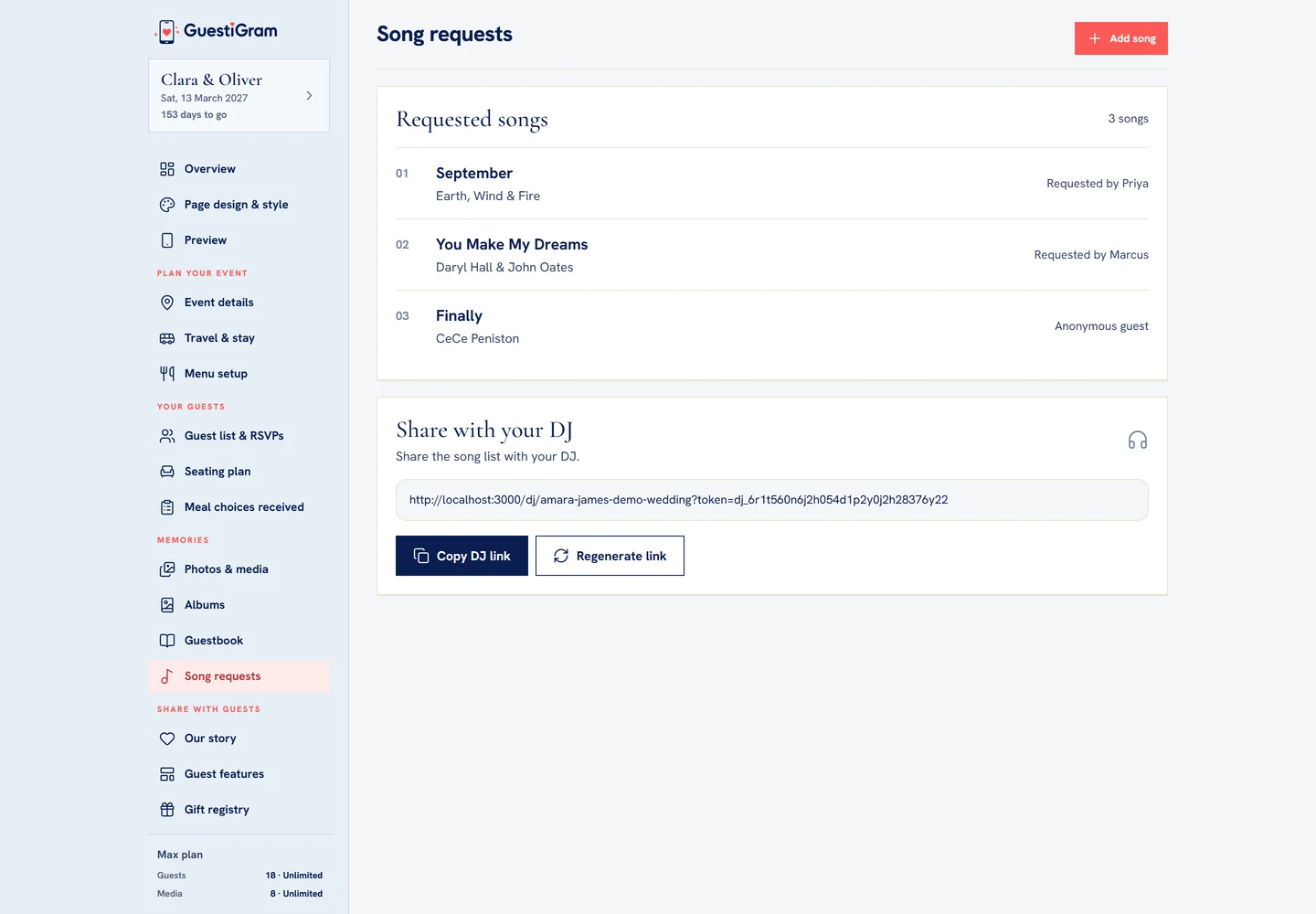
- Open Song requests to see the numbered list of songs, artists and requesters.
- Choose Add song to open the editor. Enter a song title and optional artist.
- Choose Add to requests. Cancel or Escape closes the editor without adding an unsaved song.
- Enable Song requests in Guest features if you want guests to submit suggestions.
- Under Share with your DJ, choose Copy DJ link and send it directly to your DJ. Regenerate link replaces the previous DJ link.
Check the result
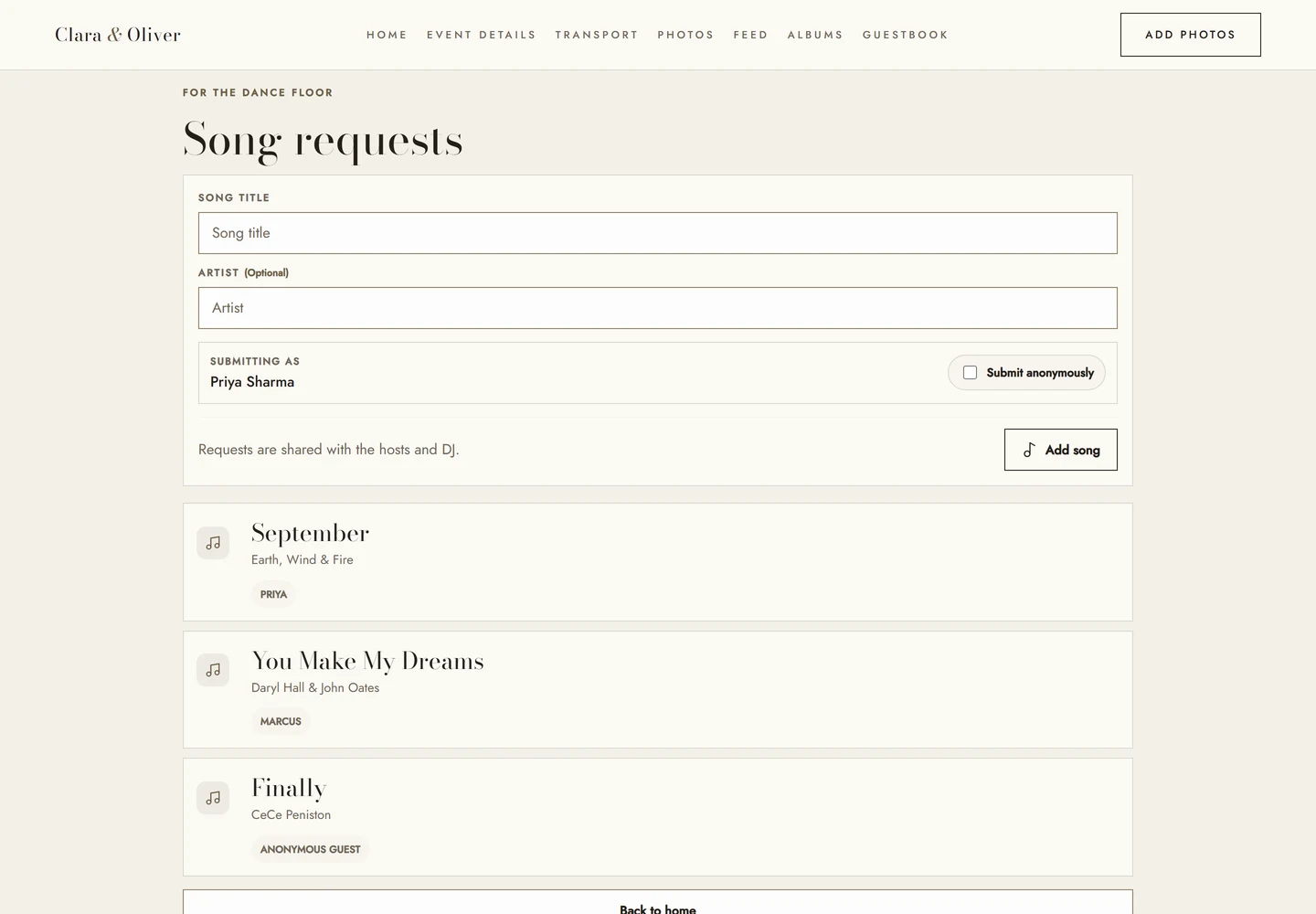
Confirm the new song appears in the list and open the DJ link to check the handover.
Good to know
- The artist is optional; the title is required. Enter submits a valid host song.
- The DJ route has its own link, separate from host account access.
- Song requests are suggestions for your DJ, not guaranteed playlist bookings.
Need help with this?
Tell us your event name, device and what happened. Do not include passwords or private guest details.
Contact support