
Before you start
Have the event or personal invitation link your host sent you ready.
What to do
- Open your event link, personal invitation or the host’s seating QR code.
- Confirm your invitation name if the shared route asks for it.
- Choose Seating or Find your table on the guest homepage.
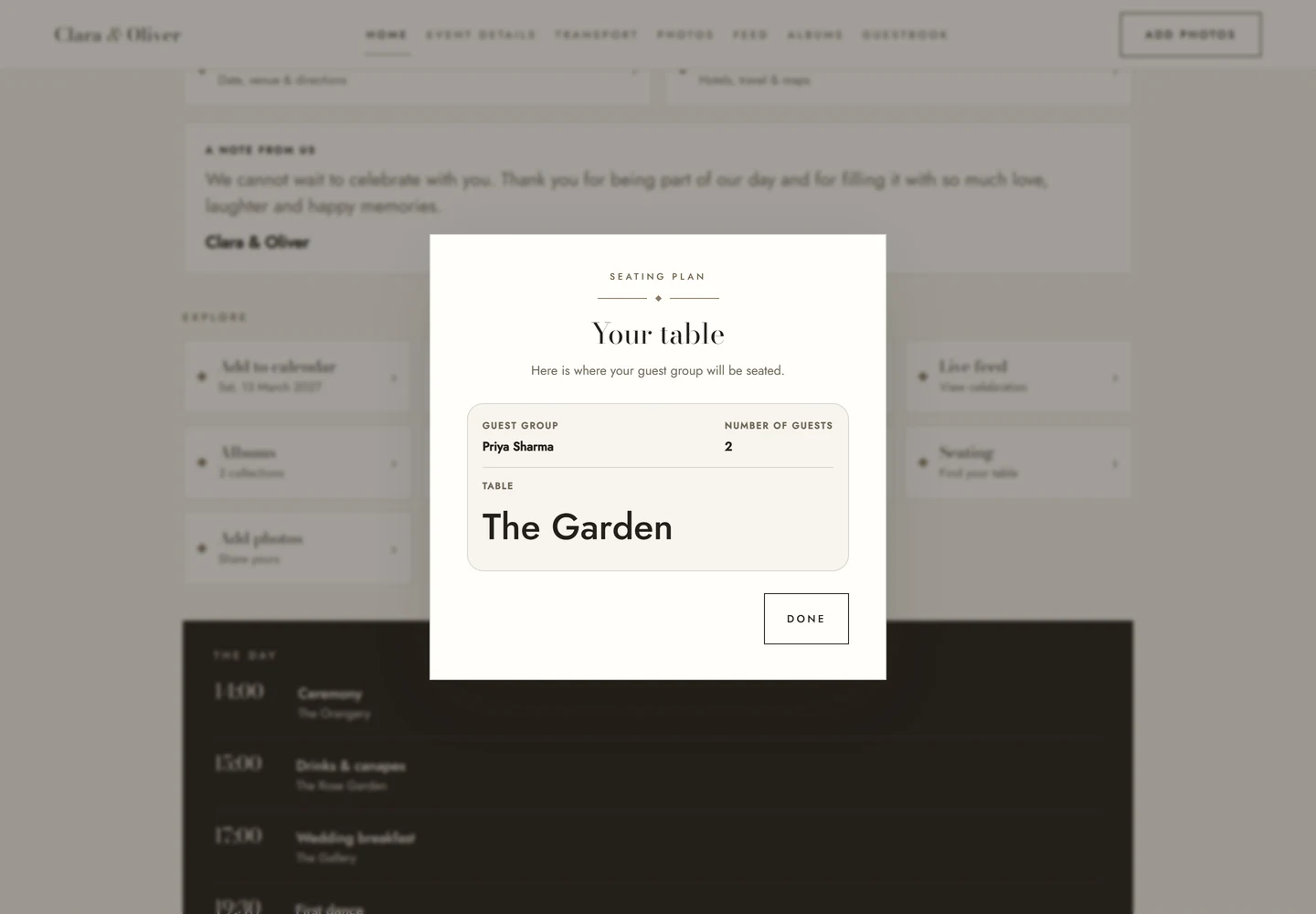
- Read your guest group, number of attending guests and table name, then choose Done.
Check the result
Check that the displayed group is yours and make a note of the table name.
Good to know
- This shows your group’s table, not the host seating-plan builder.
- If no table is shown, the host may still be arranging seating or your invitation may not need a seat.
- Contact the host if the group or table looks wrong; guests cannot edit the host’s seating plan.
Need help with this?
Tell us your event name, device and what happened. Do not include passwords or private guest details.
Contact support