
Pay once, keep your memories for years — no subscriptions, ever20% off any paid plan — use code GUESTI20Try for free with our starter plan — no credit card requiredPay once, keep your memories for years — no subscriptions, ever20% off any paid plan — use code GUESTI20Try for free with our starter plan — no credit card requiredPay once, keep your memories for years — no subscriptions, ever20% off any paid plan — use code GUESTI20Try for free with our starter plan — no credit card requiredPay once, keep your memories for years — no subscriptions, ever20% off any paid plan — use code GUESTI20Try for free with our starter plan — no credit card requiredPay once, keep your memories for years — no subscriptions, ever20% off any paid plan — use code GUESTI20Try for free with our starter plan — no credit card requiredPay once, keep your memories for years — no subscriptions, ever20% off any paid plan — use code GUESTI20Try for free with our starter plan — no credit card required
Start free
Journal / Photos & video

Photos & video

How to Collect Every Wedding Photo and Video Without Asking Guests to Download an App

A practical guide to collecting candid wedding photos and videos from guests through one simple link and QR code.

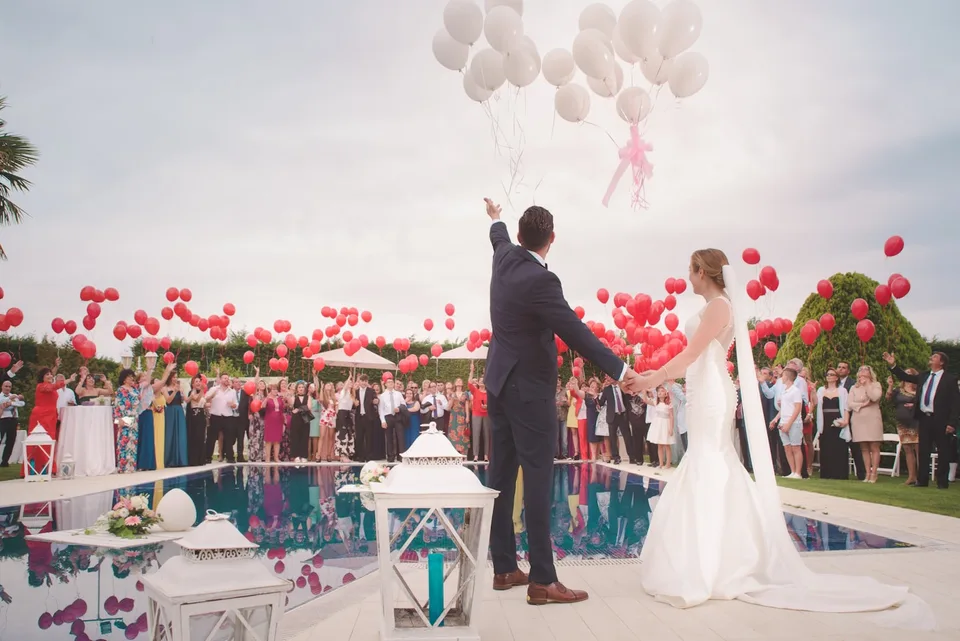
Wedding guests celebrating together outdoors

Your photographer will capture the polished, important parts of the day, but guests see a different wedding. They see the train journey, the getting-ready jokes, the reaction at the back of the ceremony and the dance-floor moments that happen while the photographer is elsewhere. Collecting those pictures gives you a fuller account of the celebration.

The difficulty is rarely persuading people to take photographs. It is giving them one obvious place to put everything. An app download, new account or complicated folder creates friction. A browser-based upload page reached through a link or QR code keeps the request small enough for guests to act on immediately.

Start with one clear destination

Choose one gallery before invitations go out and use it everywhere. Guests should not have to remember whether photographs belong in a messaging group, shared drive or social hashtag. A single event page also keeps original files together instead of compressing them across several chat apps.

Make this decision before designing signs or sending messages. Start with one clear requirement: use the same link before, during and after the wedding. Record the choice in the main event plan, then ask someone who was not involved in setting it up to try the journey. Their first hesitation will usually reveal where wording or navigation needs to be simpler.

  • Use the same link before, during and after the wedding
  • Give the page a recognisable photograph and the couple's names
  • Test the complete upload journey on both iPhone and Android

Remove the app-download barrier

People are cautious about installing an unfamiliar app for a single day, especially when mobile signal is weak or storage is limited. Letting a guest scan, choose files and upload in their browser makes the process feel like part of the wedding rather than another piece of administration.

Keep the practical version straightforward. Avoid mandatory guest accounts. Keep upload instructions to one short sentence. Let guests add several photos or videos in one batch. These are small details, but together they determine whether a guest acts immediately or decides to return later and forgets. Test under the same conditions in which people will actually use it.

  • Avoid mandatory guest accounts
  • Keep upload instructions to one short sentence
  • Let guests add several photos or videos in one batch

Introduce it before the day

Include the gallery in a reminder email or digital event page so guests recognise it when they see the QR signs. Early access is useful for hen and stag celebrations, travel photographs and preparations, while a short reminder the following morning catches pictures that were never uploaded during the reception.

It helps to assign one person to own this part of the plan. Give them three clear checks: mention it in the final information message; ask the wedding party to upload first; and send one friendly follow-up after the celebration. Clear ownership prevents well-intentioned last-minute edits from creating two conflicting versions.

  • Mention it in the final information message
  • Ask the wedding party to upload first
  • Send one friendly follow-up after the celebration

Put QR codes where people naturally pause

A QR code works best at moments when guests already have their phones nearby and a few seconds to spare. Place it at the welcome table, beside the seating plan, on table cards and near the bar. One or two well-positioned signs are more effective than covering every surface.

Do a final check from a guest's point of view rather than the organiser's. Can they understand the next step in a few seconds? Can they complete it one-handed on a phone? Pay particular attention to two points: keep a short written URL beneath the code, and use strong contrast and leave clear space around it. Keep the result calm enough to sit naturally within the event.

  • Keep a short written URL beneath the code
  • Use strong contrast and leave clear space around it
  • Print and scan a proof at its final physical size

Keep control without slowing sharing

Decide whether uploads should appear immediately or wait for host approval. Immediate publishing feels lively; approval is useful when the gallery will be shown publicly or projected. Either way, keep the original uploads available privately so the couple can review everything calmly later.

Plan the handover as carefully as the setup. Explain whether guests can see the shared gallery. Review pending media from one host account. Download originals and create a separate long-term backup. Once the celebration is over, write down where the final files or records live so the collection remains understandable without relying on memory or continued access to one service.

  • Explain whether guests can see the shared gallery
  • Review pending media from one host account
  • Download originals and create a separate long-term backup

A simple way to put the plan into practice

Start with the smallest complete version of the experience. Open the page as a guest, follow the main action and check what happens after it is complete. Then repeat the test on another phone and on mobile data. This catches unclear labels, inaccessible links and files that only work for the person who created them.

Work through the day in order: start with one clear destination, remove the app-download barrier, introduce it before the day, put qr codes where people naturally pause, and finally keep control without slowing sharing. Decide what guests need at each point and remove anything that belongs mainly to the organiser. The result should feel like a thoughtful part of the celebration, not a project-management system placed in front of guests.

Keep one private record of links, access details, publication choices and download deadlines. Digital event tools are most useful as a collection and communication layer; important photographs, videos and guest records should also be exported to storage you control. A short review after the event is the right moment to approve shared material, build albums and make independent backups.

Before sharing anything widely, run a small rehearsal with two people: one who knows the event well and one who does not. Ask them to describe what they think the page or sign is asking them to do, then watch without coaching as they complete it. Fix the first point of uncertainty, repeat the test and stop adding instructions once the route is self-explanatory.

Finally, decide what success means for this particular celebration. It may be a complete set of RSVPs, fewer repeated travel questions, photographs from every table or a thoughtful collection of family messages. A specific aim makes it easier to choose useful features, ignore distracting extras and review the result after the event.

Keep the tone consistent with the invitation and the people attending. A formal event can still use plain instructions, while a relaxed celebration still benefits from accurate dates and clear privacy choices. Read every guest-facing sentence aloud; if it sounds like software documentation rather than a personal invitation, shorten it and return the emphasis to the occasion.

© 2026 GuestiGram · Made with for every celebration
Pay once · No subscriptions