Your wedding website
A personal, mobile-first home for every detail and every guest.
Explore wedding websites
Beautiful on the outside.
Everything connected underneath.
Your own wedding website, with RSVPs, meal choices, table finding and guest photos. One link for the whole day.
No app for guests. No subscription.
Explore the real designs. Try the guest experience.
From the hosts
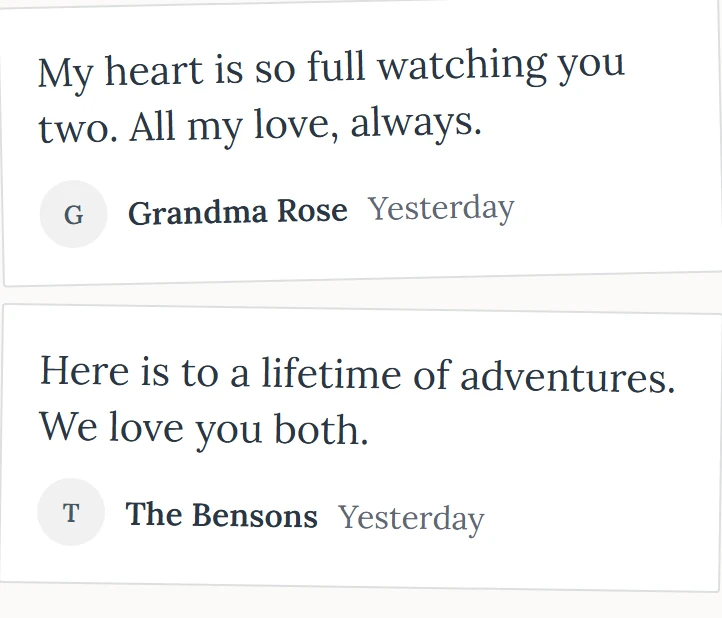
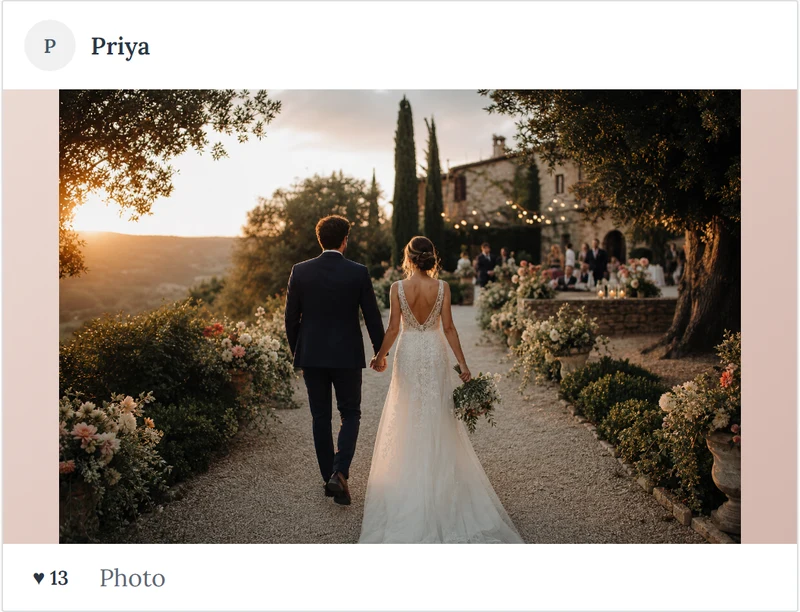
“We tried Guestigram for the first time at our wedding in June. We got over 550 photos in one day and it captured all the special little moments that we would have otherwise missed. Our guests really loved it and it was just so easy to use. Thank you so much!.”
“We were looking for something that could handle RSVP, table plans, meal choices, photos and simple QR code sharing but also looked great in the style to match our wedding. Guestigram really delivered all of this for us and we will recommend to friends.”
“Thank you to Jonathan on support who helped me with a small setup issue within 5 minutes of dropping you an email. The service received was great and looking forward to using Guestigram at our wedding next year.”
“Everyone at our wedding commented on how it was such a great idea!!! And so easy to use! The DJ song request was also fun and our DJ said it made his job easier as he could change up the playlist based on the requests he received on the system.”
Everything you need from the first invitation to the final album, all connected in one wedding website.
A personal, mobile-first home for every detail and every guest.
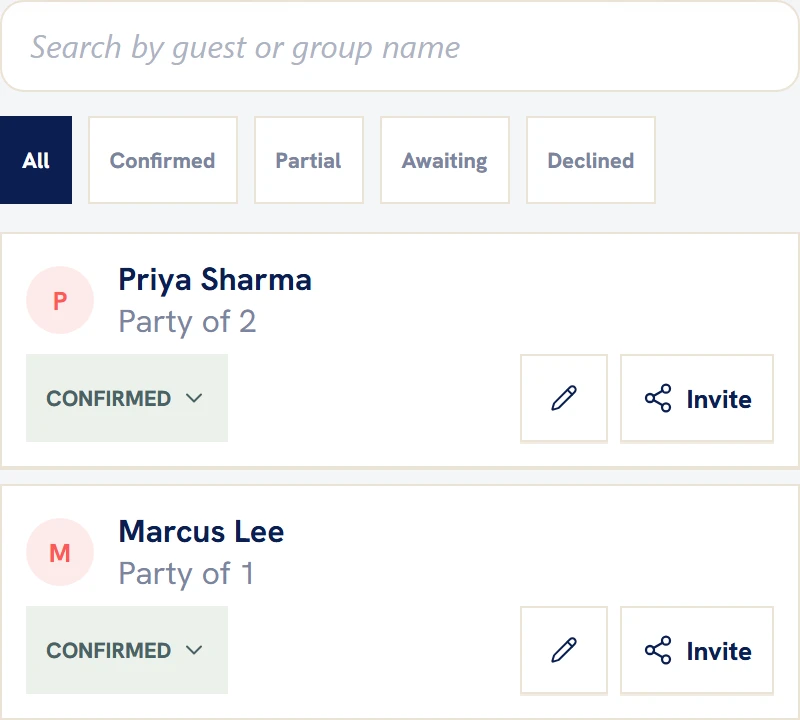
Explore wedding websitesReplies, meal choices and party sizes update one trusted list.
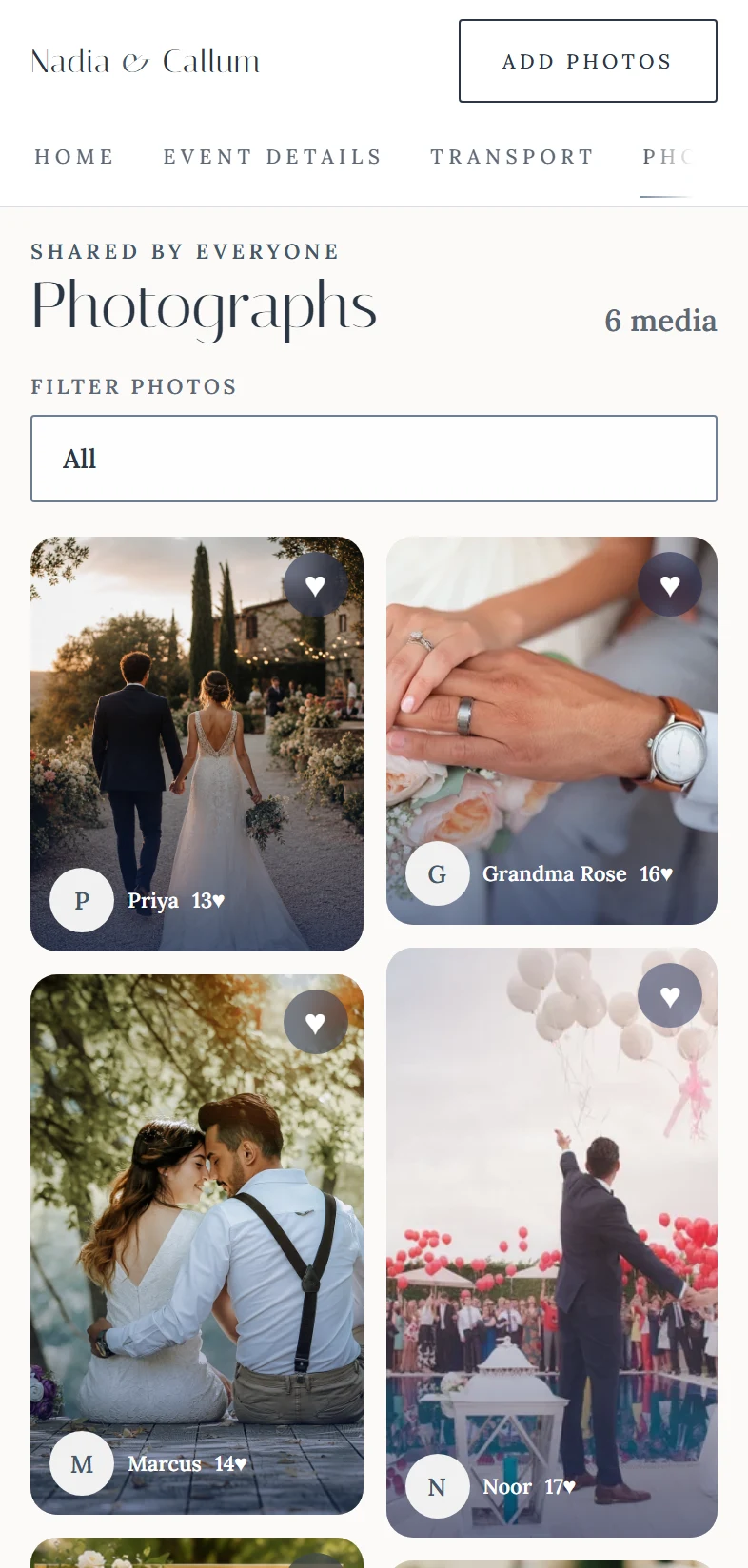
Explore guest managementGuests upload in seconds; you keep every original in full resolution.
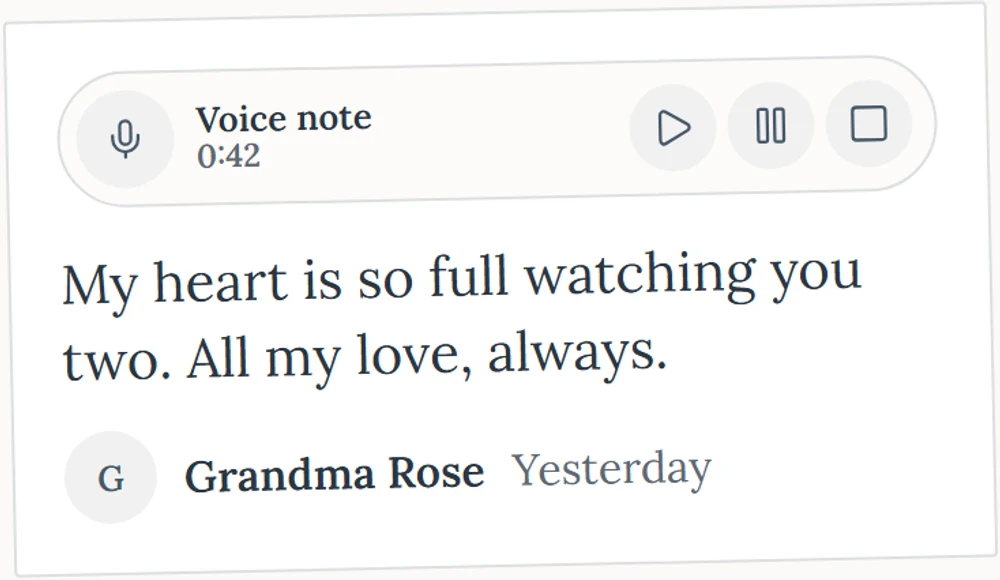
Explore photo sharingKeep the voices, laughter and words you will want to hear again.
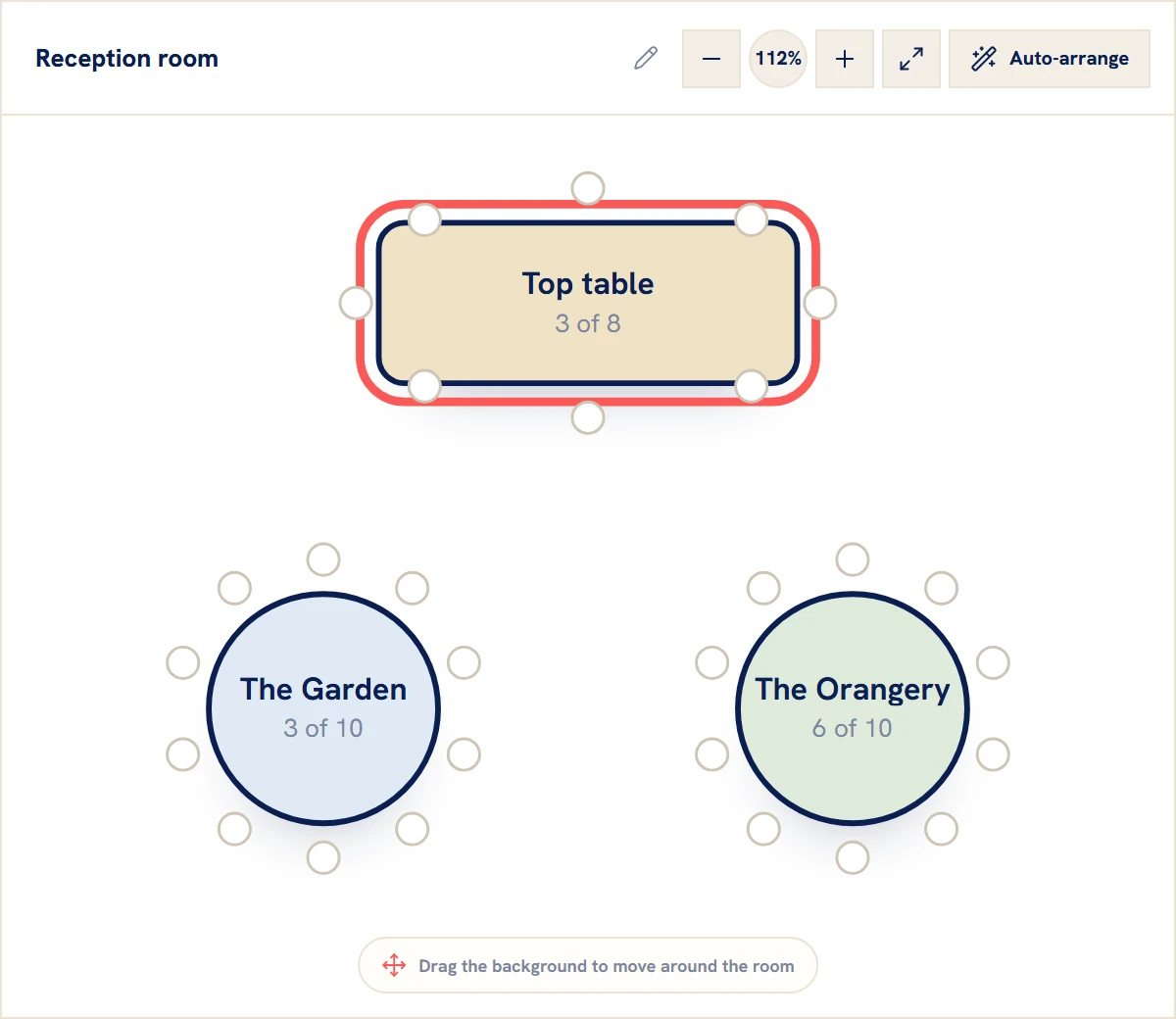
Explore voice messagesBuild the room by drag and drop, then help every guest find their seat.
Explore seatingGather written notes, photographs and video messages in one place.
Explore the guestbookBring guest photos to every phone and the big screen as they arrive.
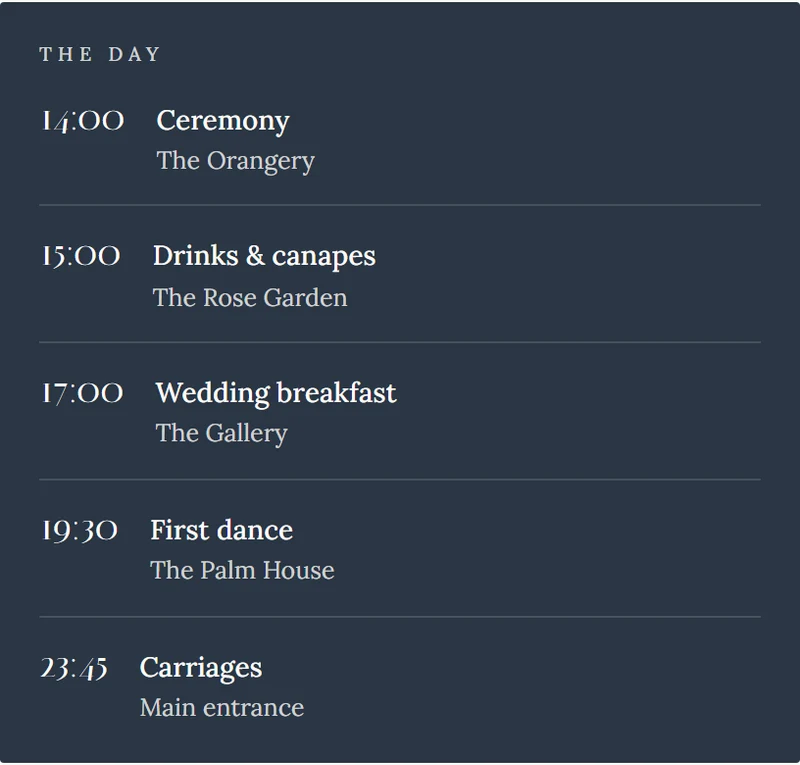
Explore the live feedShare the running order once and update every guest instantly.
Explore the scheduleGive guests one beautiful scan for RSVPs, photos and every detail.
One scan opens the whole wedding Explore QR sharingShare your venue, show it on Google Maps and give guests directions in one place.
Open Google MapsTell your story with words and photographs, from how you met to the day you say “I do”.
Explore our storyLet guests request their favourite songs and share the list with your DJ.
Explore song requestsShare your gift registry or wedding fund, with a personal message for your guests.
Explore gift registries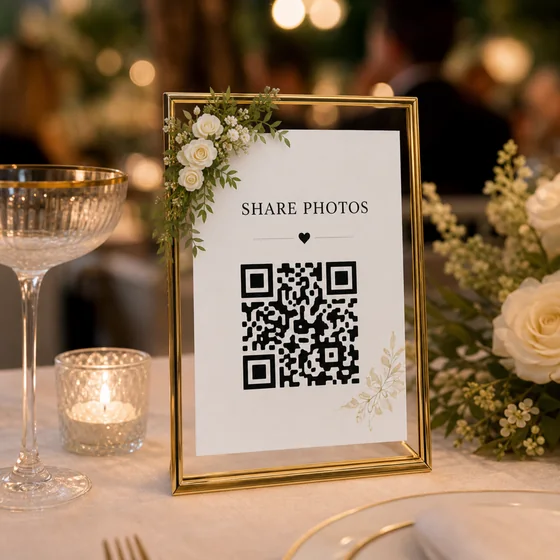
Designed for every occasion
Start from a beautiful template, then make it yours - your cover photo, your colours, your words.
GuestiGram is your wedding website and shared photo album. Keep guests in the loop before the day, then collect the memories as it unfolds.
Share your link with invitations or put your QR code on the tables. Guests can RSVP, choose their meals and find the day's details in their browser.
Guest photos and videos sit alongside their guestbook messages. Download the original photos and videos to keep long after the last dance.

Yes. Your host dashboard keeps RSVPs and meal choices together. Share your timetable and travel details, then use the seating planner to help every guest find their place.
Yes. Every plan includes all features. Choose your guest and media allowance, and how long you need access. Paid plans use a one-off payment.
Share your wedding link or QR code with your guests. They can join in from their browser without creating a GuestiGram account. You can add a PIN and approve photos and videos before they appear.

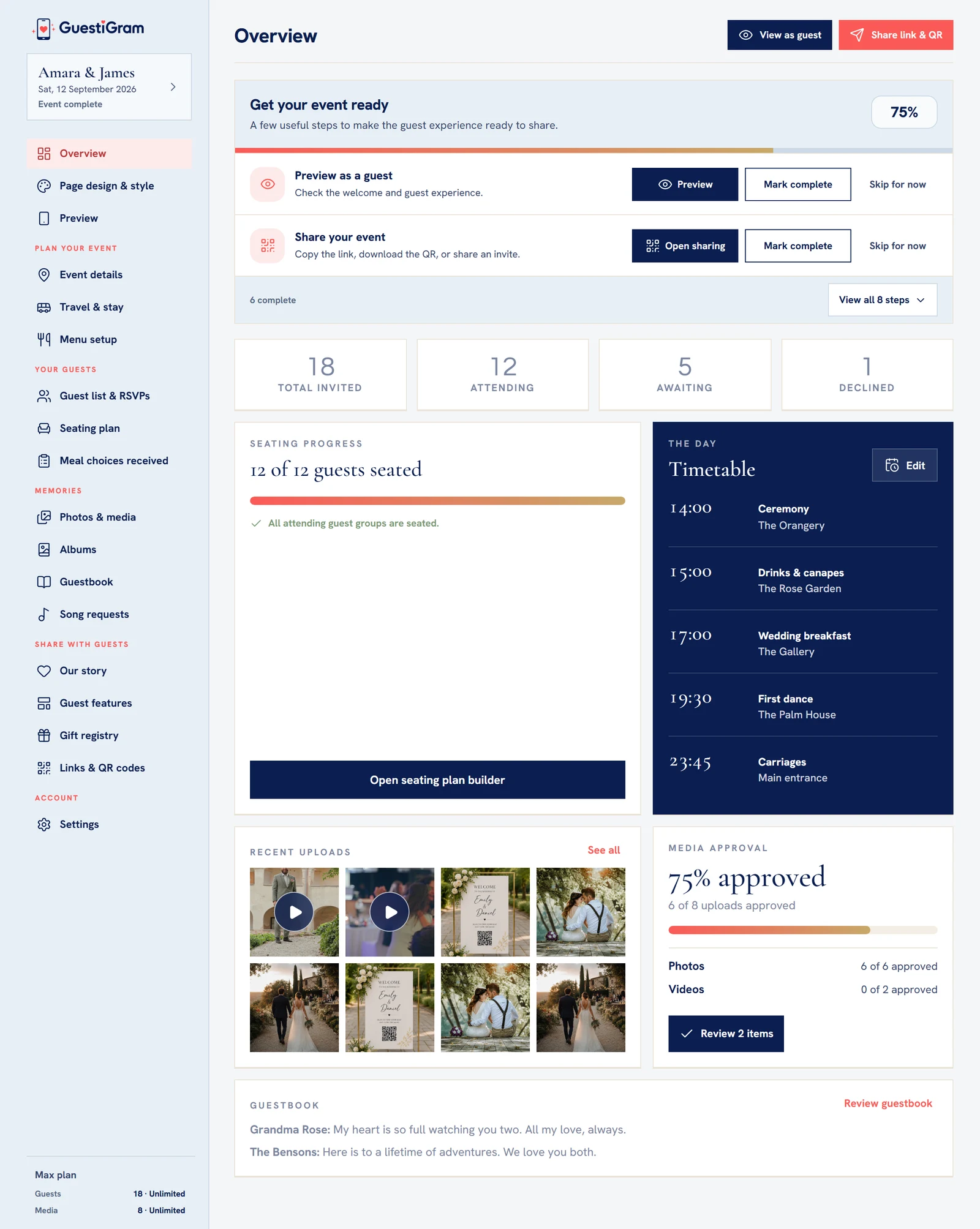
From your first invitation to downloading the photos, here's what to expect.